
How to set up for your FREE online class with Judith Aston!
Thank you for registering for this FREE online class! We are very excited to share this opportunity with you.
Below you will find all of the necessary information on how to set up and organize your room so that your class is successful for your learning. If you have questions about this or in general, please contact the office by emailing office@astonkinetics.com
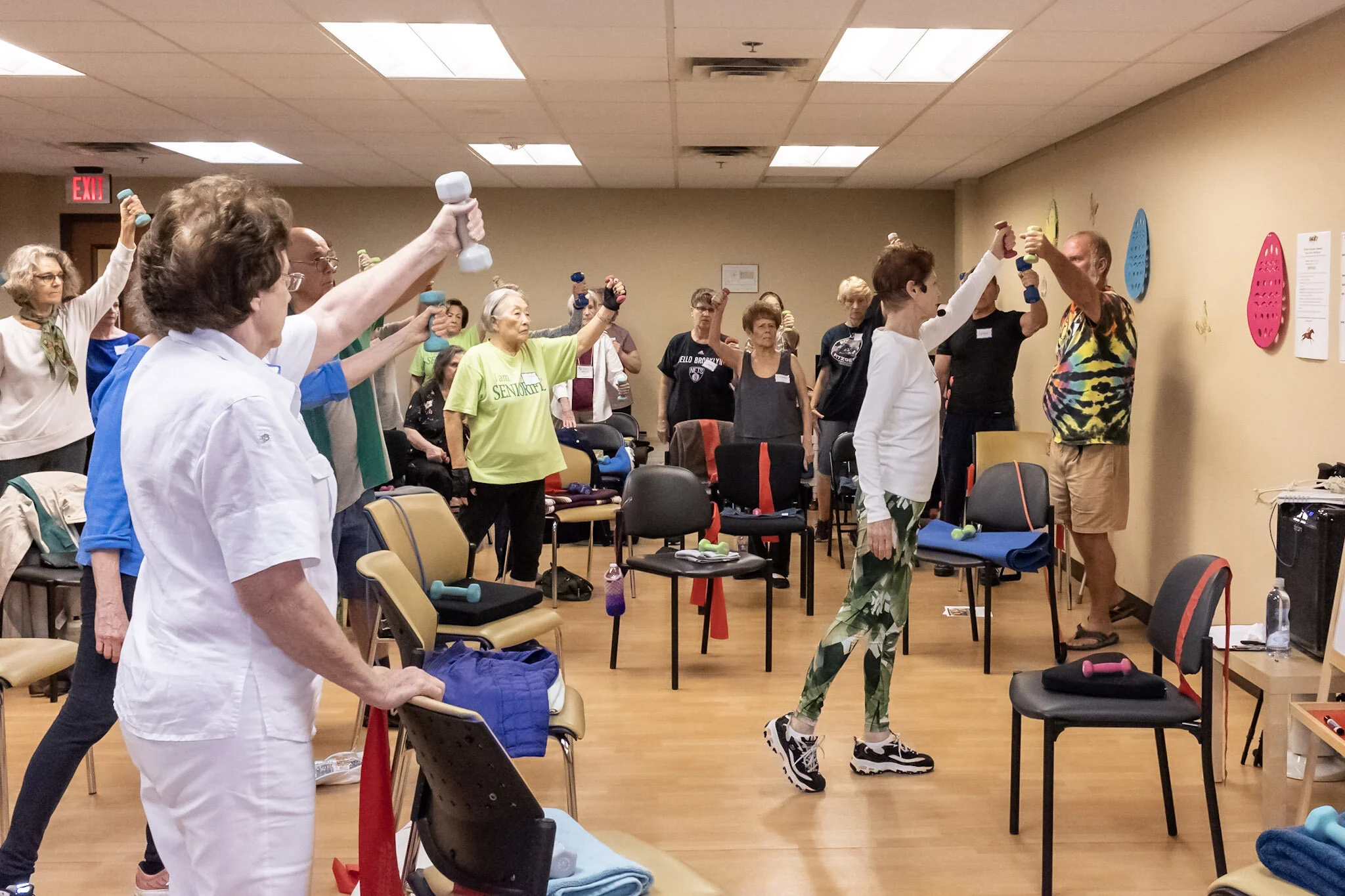
Setting up for your class
Consider testing your set up the day before your class so that you have plenty of time to make changes.
This will help you trouble shoot and fix any problems that may arise and allows you to become more familiar with the Zoom system, if you don’t have much experience.
Test your camera
It would be best that the camera shows your full length, head to toe, with room to walk.
Test your connection
Ask a friend to test your set up using the video call so that you can troubleshoot ahead of time.
Test your environment
Consider using a room that is bright so that you are visible on screen.
It is best that you are not in front of a window because this can cause a silhouette effect and makes it challenging for others to see you.
Ideally, you should have enough room to take 3-4 steps from side to side while staying visible within the camera frame.
We will want to be able to see your whole body, so please set up your camera to see you from your feet to the top of your head.
Please gather the following equipment in preparation for your class:
A chair to sit on - preferably a sturdy chair that does not roll, and has a high back like a dinner chair.
A bath towel - this will be used to help adjust the height of your chair
A hand towel - this will also be used for some adjustments
If you have questions about this class please contact the office at
775- 831-8228
or by email at office@astonkinetics.com